注目ワークフロー
Image to image が使えます
画像をアップロードし、プロンプトを追加して、数秒でより洗練されたビジュアルに変換できます。
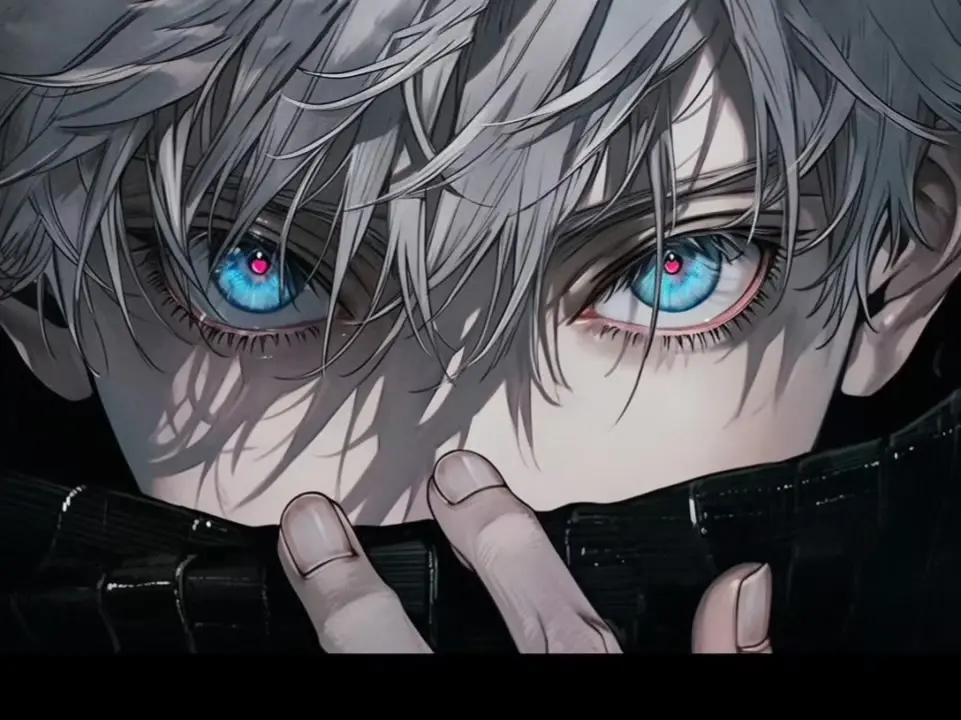
AI
AI Image
1枚の画像から始め、専用の image-to-image ワークスペースで調整できます。
画像ツール
すべて表示


Create with an Image to Image AI Generator
Image to image AI starts with a picture you provide. Add a prompt to change its style, setting, colors, or details, then generate a result guided by your original image.
Transform an image with a prompt
Upload a portrait, product photo, or design and explain what you want to change. Imgtoimg AI uses your reference image and instructions to create a new version, helping you explore edits without rebuilding the whole scene from scratch.
Go from image to image in a few steps
Choose Image to Image, add your source image, and write a clear prompt describing the result. Review the generated image, adjust your instructions, and try again. For a blank canvas, switch to text to image; for focused edits, open the AI photo editor.