Image to image sudah hadir
Unggah gambar, tambahkan prompt, lalu ubah menjadi visual yang lebih kuat dan rapi dalam hitungan detik.
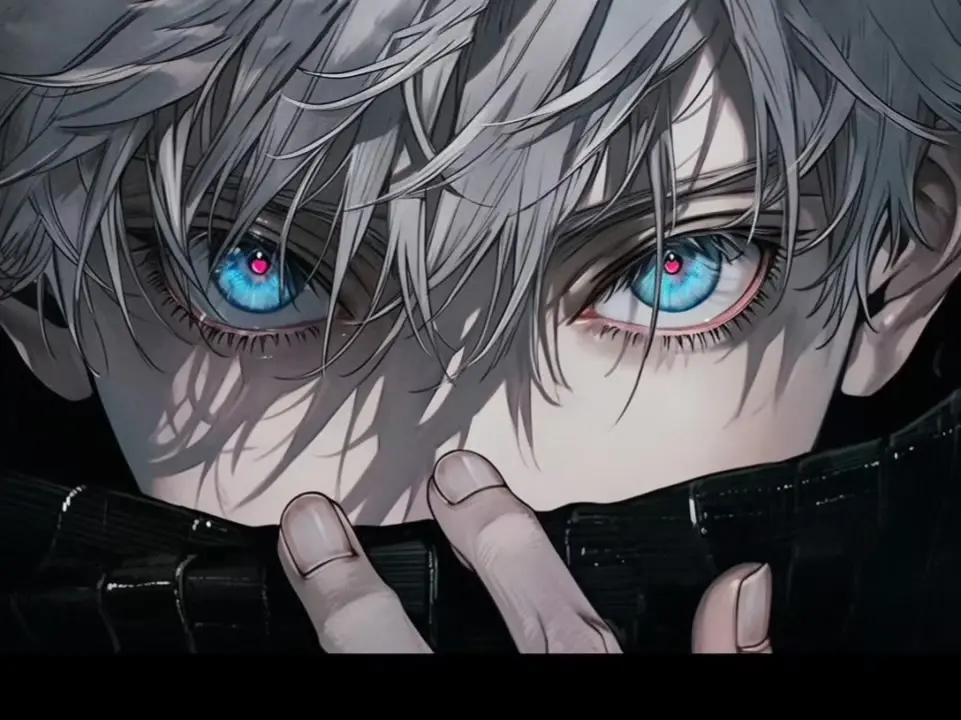
Alat gambar
Lihat semua


Create with an Image to Image AI Generator
Image to image AI starts with a picture you provide. Add a prompt to change its style, setting, colors, or details, then generate a result guided by your original image.
Transform an image with a prompt
Upload a portrait, product photo, or design and explain what you want to change. Imgtoimg AI uses your reference image and instructions to create a new version, helping you explore edits without rebuilding the whole scene from scratch.
Go from image to image in a few steps
Choose Image to Image, add your source image, and write a clear prompt describing the result. Review the generated image, adjust your instructions, and try again. For a blank canvas, switch to text to image; for focused edits, open the AI photo editor.